• ABOUT
  • SERVICES
  • WORK
  • PEOPLE
  • SPACE
  • PARTNERS
  • BLOG
  • CONTACT
  • IMDB

Location Sound

The Walkie-Talkie: The Unsung Hero of Film Sets

July 15, 2024

The Importance of Walkie-Talkies In Film Production
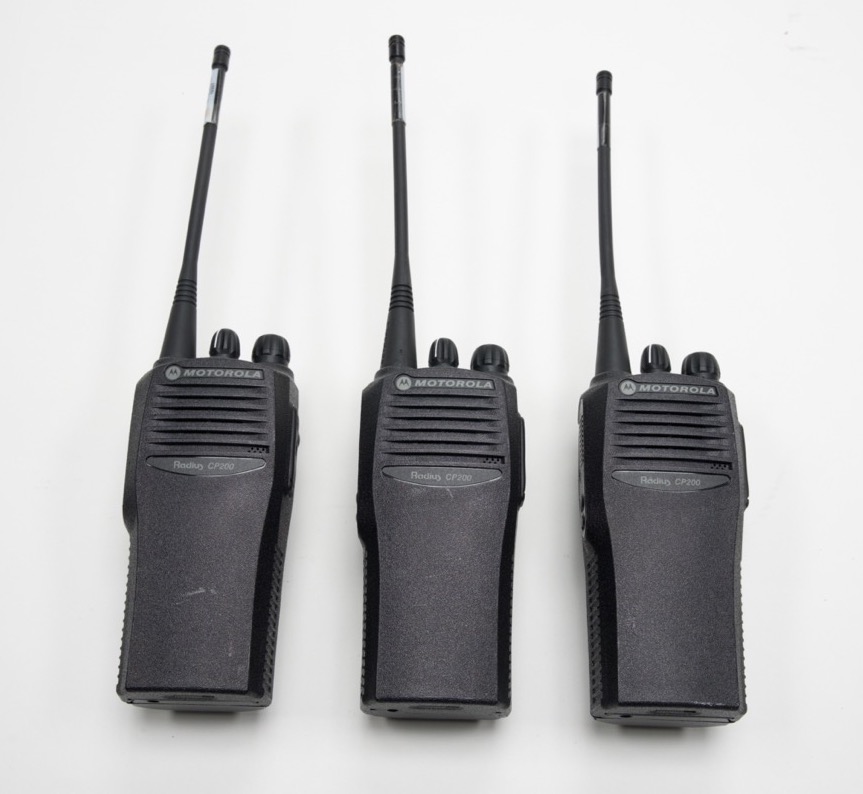
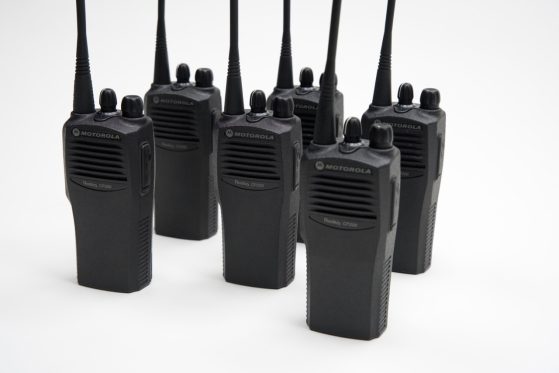
Motorola CP200

Walkie-Talkies for film production has long relied on clear and instant communication to coordinate the numerous moving parts involved in bringing a cinematic vision to life. While the cutting-edge technology and processes have evolved over the decades, one piece of equipment has remained an essential part of any film set: the walkie-talkie.

The walkie-talkie, or two-way radio, was first developed for military use during World War II, allowing soldiers to communicate over short distances without the need for hard-wired connections. It didn’t take long for this revolutionary technology to find its way into the film industry, quickly becoming an indispensable tool for crew communication on sets.

In the early days of Hollywood, when filming took place primarily on studio lots, walkies allowed departments to maintain contact with crew members across different soundstages or exterior sets. As the industry grew and location shoots became more common, the portability and range of walkies made them even more valuable, enabling seamless communication even in remote or challenging environments.

A Production Power Player
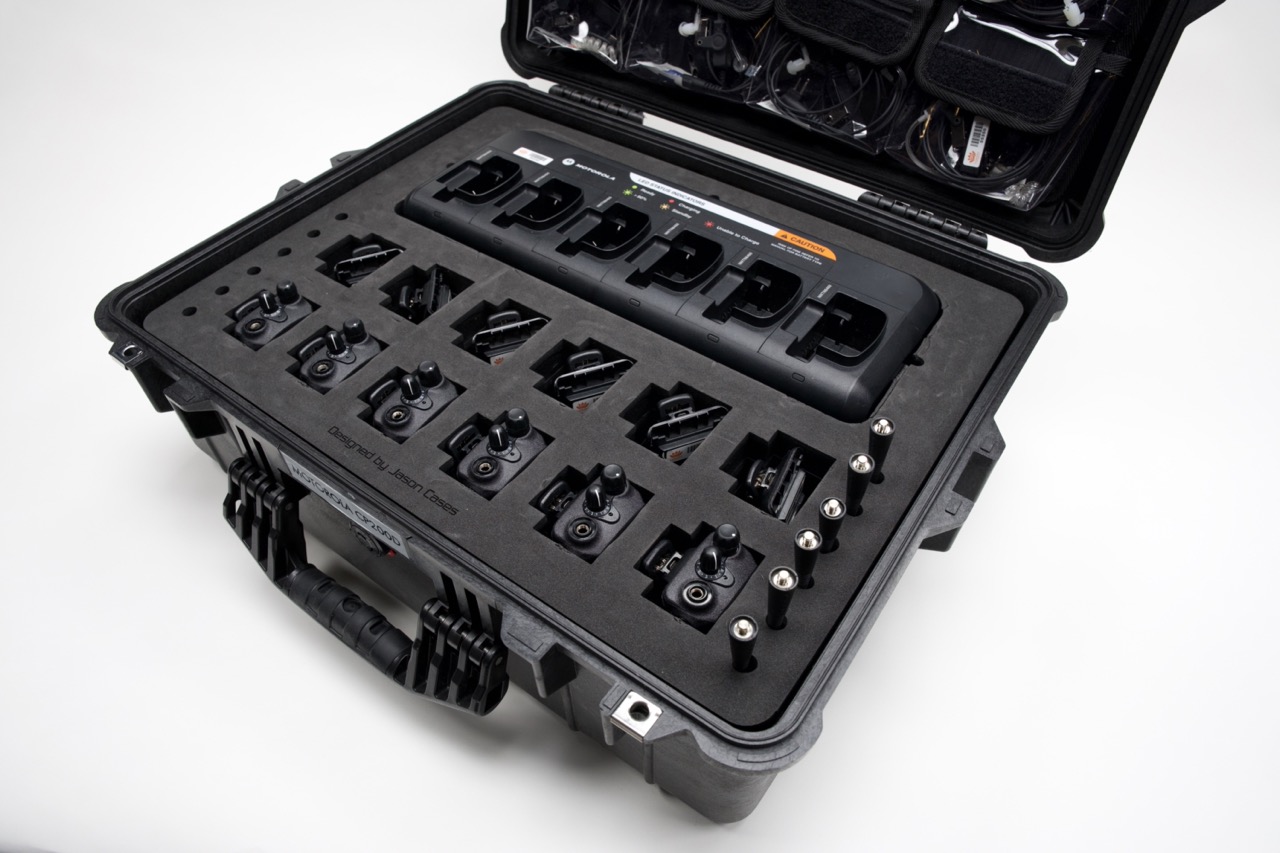
Today, walkies like the Motorola CP200 Walkie Kit continue to play a crucial role in film and video production. With features such as push-to-talk and powerful audio output that can penetrate even the noisiest environments, crew members can easily identify who is calling and convey important instructions without disruption.

The long battery life of modern walkies, often lasting up to 10 hours or more, ensures uninterrupted communication throughout an entire shooting day. This unbroken connection is vital for maintaining the momentum of a shoot and preventing costly delays caused by miscommunication or lack of coordination..

While modern technology has introduced alternative communication methods, such as smartphones and messaging apps, walkies remain a trusted and reliable option for film and video production. Their rugged design and ease of use make them ideal for the fast-paced and demanding environment of a film set, where clear and immediate communication can mean the difference between a successful shot and a costly retake.

Don’t Leave Communication & Coordination Up To Chance
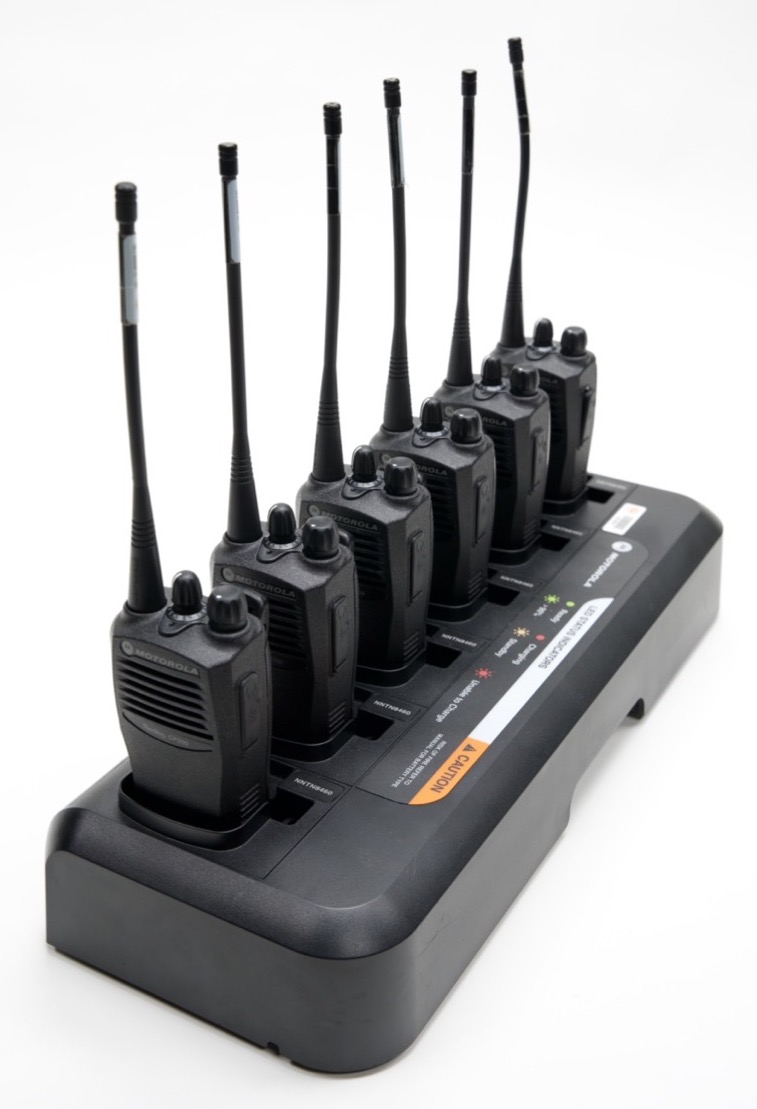
Rent top-quality walkie systems like the Motorola CP200 Walkie Kit from Noisefloor. With competitive rates and reliable equipment, Noisefloor ensures you have the tools you need for seamless on-set communication. Book your walkies today and elevate your next production.  Even considering the constant advancements of technology, walkies have remained an essential tool on film sets for decades, facilitating seamless communication, ensuring crew safety, and contributing to a more efficient and organized production process. Whether it’s a small independent project or a large-scale Hollywood production, investing in a reliable walkie system is a wise choice for any filmmaker or production crew.

For other rentals or production needs please visit our partner page or visit our production partner Camera Ambassador.

Rent With Us
Do I need a Boom Operator

Do I need a Boom Operator?

July 21, 2022

This is a question we get all the time from our location audio clients. If you need sound recorded during your production, hiring a Sound Mixer should be an easy decision. But what about a Boom Operator? Should you hire a Boom Op along with your Sound Mixer?

To answer this question, we checked in with one of our Production Sound Mixers, Joe Vnuck. 

A portrait of Joe Vnuck
Production Sound Mixer, Joe Vnuck

     In my opinion, every production should consider hiring a Boom Operator in addition to a Sound Mixer. This is because they are two different jobs that happen simultaneously. Much like how a Camera Operator needs an Assistant Camera to pull focus for them, a Boom Op needs the Sound Mixer to make sure levels across the active mics are balanced. The Mixer symbiotically needs the Boom Op to position the boom mic so that they can focus solely on mixing. Without a Boom Op, the Mixer would need to hold the boom and also mix, which creates the possibility that one or both of these duties will suffer as a result. Other advantages to having a two person audio team include speeding up the process of prepping and mic’ing talent.

      As a Boom Op, you need to be able to see the action of the actors and move your microphone accordingly, but this means you can’t keep an eye on the levels on your mixer. Holding the boom pole takes two hands, which means in order to make a level adjustment on your mixer, you are going to have to one hand the pole. It isn’t impossible, but it certainly isn’t ideal. Similarly, as a Sound Mixer, you need to watch and listen to your levels and mix channels louder or quieter. This, more often than not, takes two hands with each riding a different fader simultaneously. With enough actors, you may have a finger on four or more faders. Both Mixing and Boom Oping can get tricky and to do these jobs right requires all of your focus and certainly two hands. 

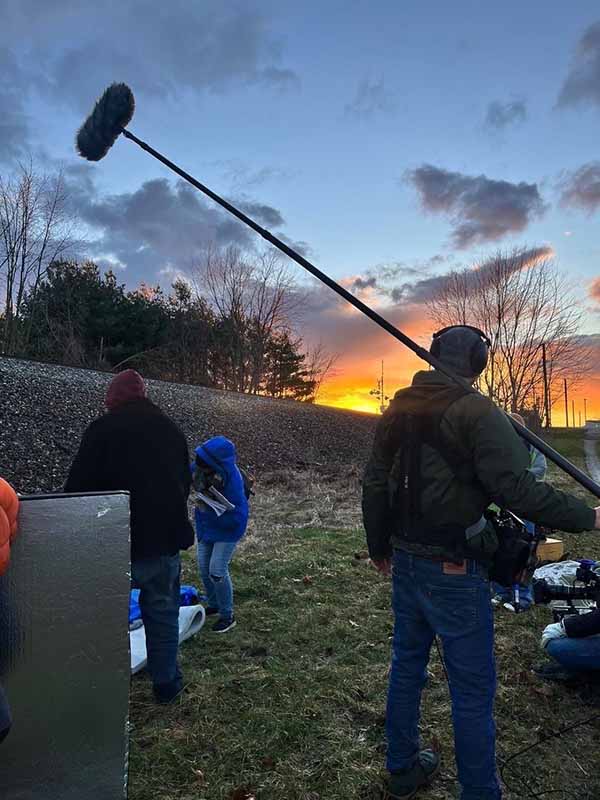
Joe Vnuck on set working as sound mixer/boom operator
Joe Vnuck on set work as sound mixer/boom op

   There are some situations where you may not need a Boom Op. For example, in certain handheld or Steadicam shots where having fewer people and cables around is desired. If the camera is moving a lot, the Boom Op will be too. If the Boom Op is tethered to the mixer via an XLR cable, it might just be easier and safer for the Sound Mixer to wear the mix bag and also hold the boom pole. The last thing you want is the Camera Operator as well as the camera itself tumbling because of a loose XLR cable. An alternative solution to this is if the Mixer and Boom Op work wirelessly, then none of this is an issue and the two can work separately.

     If you are working with a solo Sound Mixer who is also Boom Operating, one way to ensure you’re getting the best quality sound is to run enough rehearsals for 1. the Camera Operator and Mixer/Boom Op to know how they will move together and avoid shadows and 2. for the Mixer to set their levels based on the rehearsals in order to avoid having to adjust gain during a take. If the Mixer can get their levels set based on the rehearsals then during the takes they can focus on booming. Even with rehearsals, it is important to remember that actors can change their performances from take to take, so giving the Mixer notice of things like screaming or whispering that weren’t in the last take will help them set their levels for the next take.

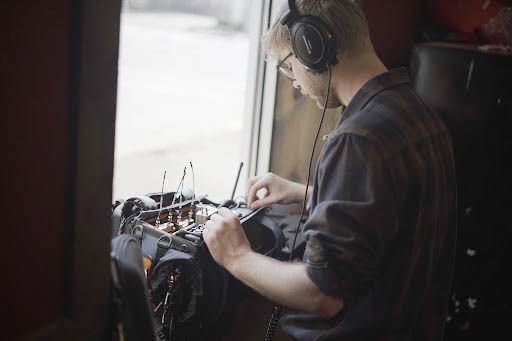
Sound Mixer Joe Vnuck working on location adjusting levels on his sound mixer.
Joe Vnuck mixing sound on location

     Finally, if you’re unsure whether your production will require a Boom Op consider these things: How many actors will I be having to boom and also mix in any given scene? If it is more than two, ask for a Boom Op. Do the shots involve a lot of camera movement, specifically Handheld or Steadicam? If the film is entirely shot on the move a Boom Op will likely not be helpful, especially if the Sound Mixer will have to be tethered to them.

     The more complicated the shots are in general, the more likely you will need a Boom Op. If you have the scenario of a very complicated handheld shot or a “oner” (as in no other coverage) then consider having not only a Boom Op, but a means of working wirelessly with your Boom Op and express this need to production well in advance. The takeaway here is in almost all scenarios it is better to have a Boom Op than to not and the results of having a two person audio team will likely be better sounding audio and less work in post!

Search

Sound specialists for Film, TV, Radio, Web, Video Game, Interactive Projects.

© 2025 Noisefloor Sound Solutions. Website by On Your Mark.
Insert/edit link

Enter the destination URL

Or link to existing content

    No search term specified. Showing recent items. Search or use up and down arrow keys to select an item.